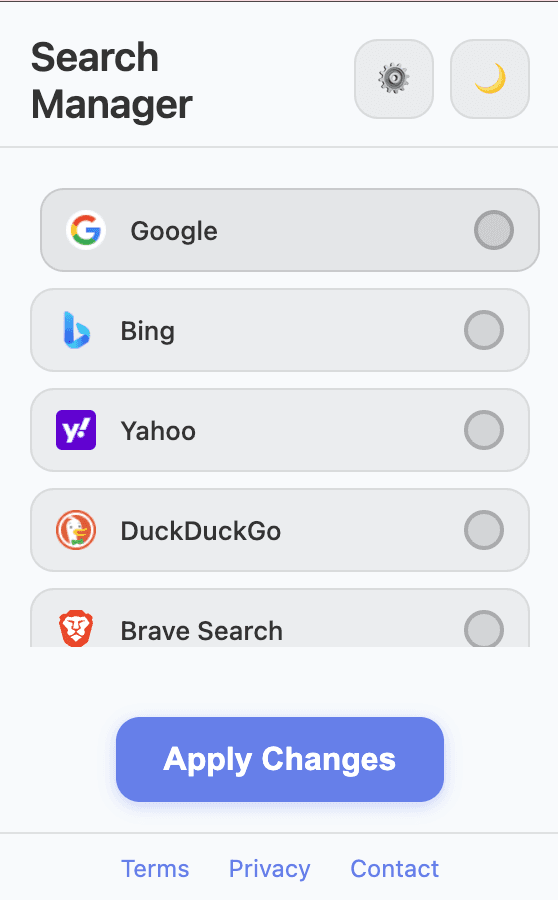
Engine picker
Choose an engine in seconds and apply the change directly from the popup.
Chrome extension for smarter search flow
Manage and switch search engines. Sets default search to Search Manager to direct queries to your chosen engine. Now with a custom New Tab and editable shortcuts.
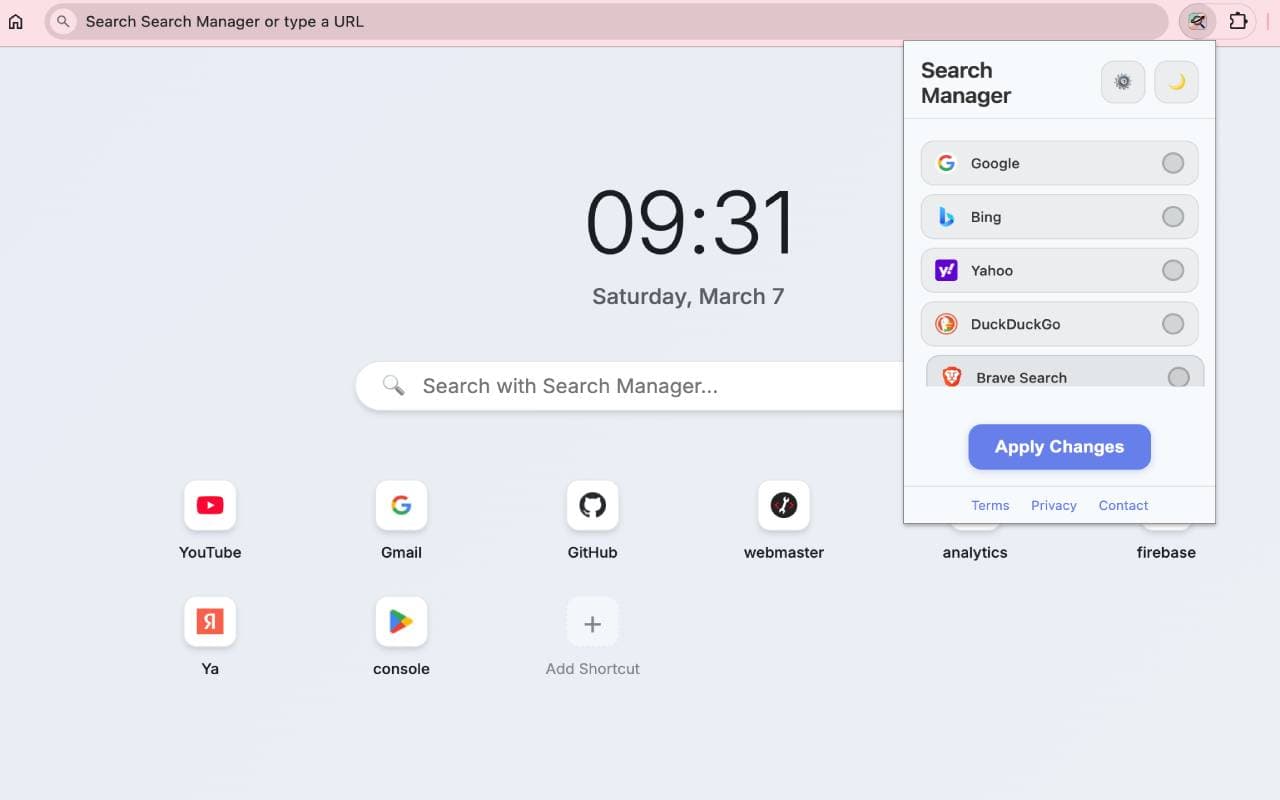
New in the latest upgrade
You now get more than engine switching: launch your most-used sites from your own start page and keep your setup synced with your extension preferences.
Choose an engine in seconds and apply the change directly from the popup.
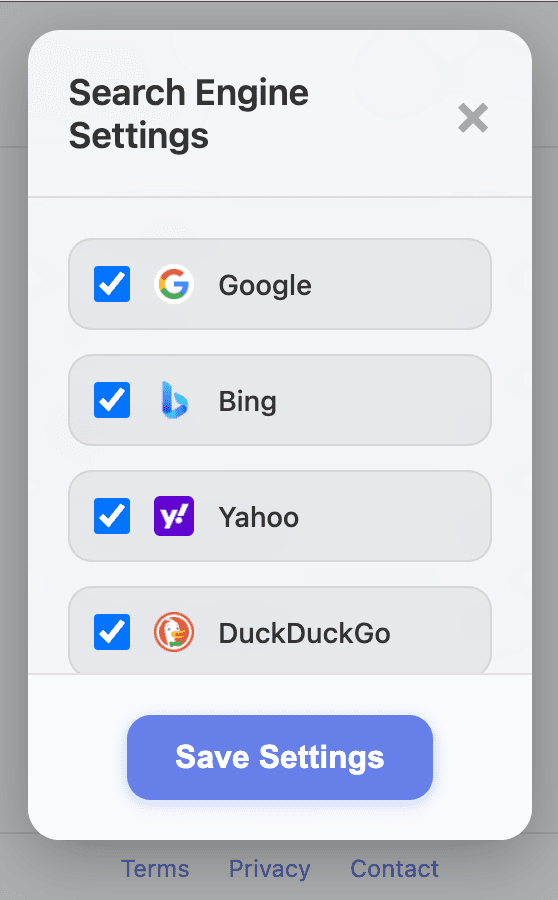
Enable only the engines you use and keep the interface focused on your workflow.
Why teams and solo users install it
Pick your preferred engine and apply instantly, without digging through Chrome settings.
The upgraded New Tab gives you a clean search field and personalized shortcut layout.
Google, Bing, DuckDuckGo, Brave, Marginalia, Ecosia, Yandex, Startpage, Baidu and more.
Settings and shortcuts are saved in browser storage and stay under your control.
Simple setup
Install Search Manager from the Chrome Web Store.
Choose the default search provider that fits your workflow.
Add shortcuts and make every new tab instantly useful.
Clean, Safe & Transparent
Unlike untrusted extensions that hijack your queries to ad proxies (like Skyjem) or forced Yahoo feeds, Search Manager connects you directly and instantly to the official search engine you choose.
Every query goes straight to google.com, duckduckgo.com, or brave.com. Never through third-party ad networks.
Rewritten inside your browser via Chrome's Declarative Net Request. Zero lag, zero proxy delay.
We do not track, log, or profile your searches. Your preferences stay completely in your local browser storage.
Fully compatible with all Chromium browsers. Install once from the Web Store and enjoy everywhere.
Frequently Asked Questions
Yes! Since Brave, Microsoft Edge, Opera, and Vivaldi run on the Chromium engine, you can install Search Manager directly from the Chrome Web Store in one click.
Never. Shady extensions secretly redirect searches to Yahoo or ad portals (like Skyjem) to collect commissions. Search Manager only routes you to the exact official engine you selected.
We use Chrome's Declarative Net Request API. The URL is rewritten locally in browser memory with zero network delay, giving you an instant (<50ms) search experience.
Yes! Open the Search Manager popup, select Google, and it switches instantly. You can switch between 13 different search providers whenever you want.
Browser Safety & Troubleshooting
If your browser keeps forcing searches to Yahoo or unwanted engines, check out our free guide to removing search hijackers or install Search Manager to enforce your preferred search engine.
Add Search Manager Free